


Refurbished laptops have become an increasingly popular choice for buyers looking to save money without sacrificing quality. With laptop prices climbing higher each year, purchasing a refurbished device offers a practical alternative that can cut costs significantly while still delivering solid performance.
However, buying refurbished comes with its own set of considerations. Unlike purchasing a brand-new laptop, you need to understand what refurbished actually means, where to buy from, what conditions to expect, and which red flags to watch out for.
In this article, we’ll talk about what refurbished laptops are and the things you should look out for before and after you buy one.
What are Refurbished Laptops?
A refurbished laptop is a pre-owned device that has been inspected, repaired, reset, and resold to ensure it works properly. These laptops come from different sources, like customer returns, display units, or devices with minor defects that were sent back to manufacturers.
Unlike used laptops sold by individual owners, refurbished devices go through testing and quality checks before being put back on the market. Technicians inspect the components, replace faulty parts, clean the device, and restore it to factory settings. Many refurbished laptops also include warranties.
This makes refurbished laptops a more reliable choice compared to buying second-hand devices directly from previous owners.
Before You Buy
Before purchasing any refurbished laptop, check how upgradable and fixable the model is. Some laptops let you swap the keyboard, add RAM, or replace the screen easily, while others have everything soldered to the motherboard. This matters if you want to upgrade components later or handle repairs yourself.
Research the specific model you’re considering. Every laptop has its own common issues, and a quick search will show you recurring problems other users have reported. This can save you from buying a device known for overheating, hinge failures, or screen defects.
Battery problems are the most common issue with refurbished laptops. Most come with weaker batteries that won’t hold a charge like they used to. Some sellers replace batteries before reselling, but many don’t, so always verify the battery condition before buying.
Try buying from a local shop if possible. Having someone to talk to face-to-face makes returns and warranty claims much easier. If that’s not available, Amazon or eBay work fine, but check the seller’s reviews carefully and make sure the displayed pictures are actual photos of the device, not stock images.
After You Buy
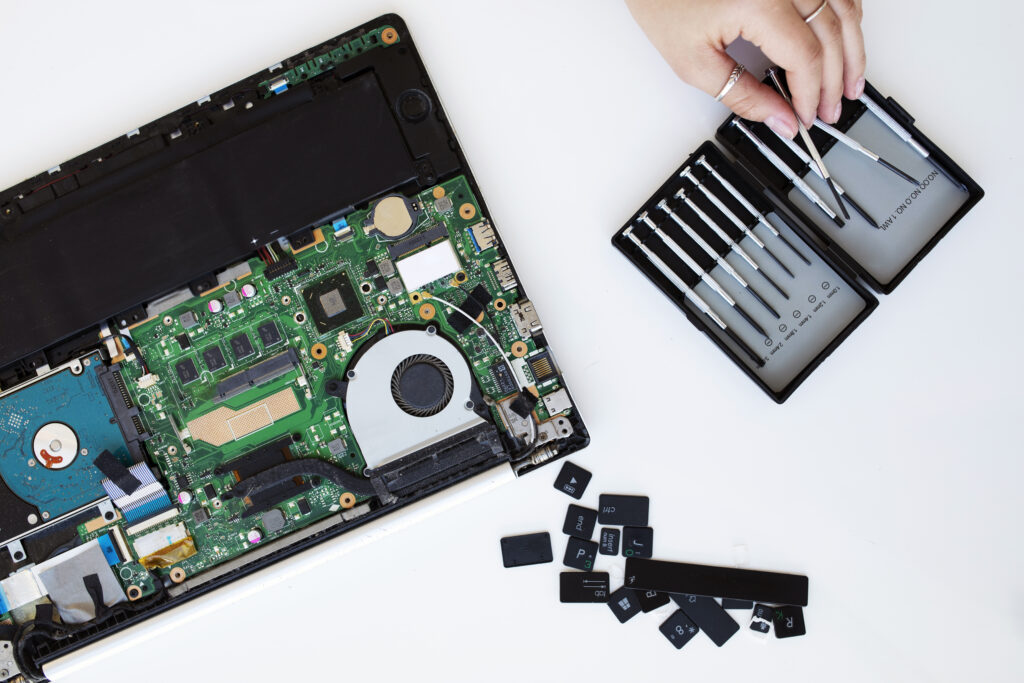
Once you receive your refurbished laptop, start by checking its physical condition. Look for scratches, dents, or any dots on the screen that weren’t mentioned in the listing. Test the keyboard by pressing each key to make sure none are wobbly or unresponsive.
Test all the ports to make sure they work properly. Plug in USB devices, headphones, HDMI cables, and anything else you plan to use regularly. Check if any ports feel loose or don’t connect properly, as loose ports can impact the laptop’s usability.
Pay attention to the hinges when opening and closing the laptop. Any creaking noises or stiffness is a bad sign and could mean the hinges are damaged or will fail soon. The hinges should be intact and functional without making unusual sounds.
On the software side, run a deep scan using Windows Defender or your preferred antivirus. Make sure there are no exceptions set that could hide malware. For extra safety, you can reset the laptop completely and do a clean install of Windows to ensure you’re starting fresh without any leftover files from the previous owner. You should also run a health check for the hard drive/SSD.
Final Words
Refurbished laptops offer a practical way to get quality devices without spending a fortune. The key is doing your research beforehand and inspecting everything carefully after purchase.
Take your time when choosing a model, buy from trusted sellers, and don’t skip the post-purchase checks. With the right precautions, you can get a reliable laptop that serves you well for years while saving hundreds of dollars in the process.