


Finding a good laptop on a student budget has become increasingly difficult with the rising prices we’ve seen in recent years. Architecture students have it even harder since they need a machine that can handle demanding software like AutoCAD and Revit without breaking the bank.
In this list, we’ll be prioritizing budget above everything else, covering the best low to mid-range options that still have enough power to get the job done.
Acer Nitro 5
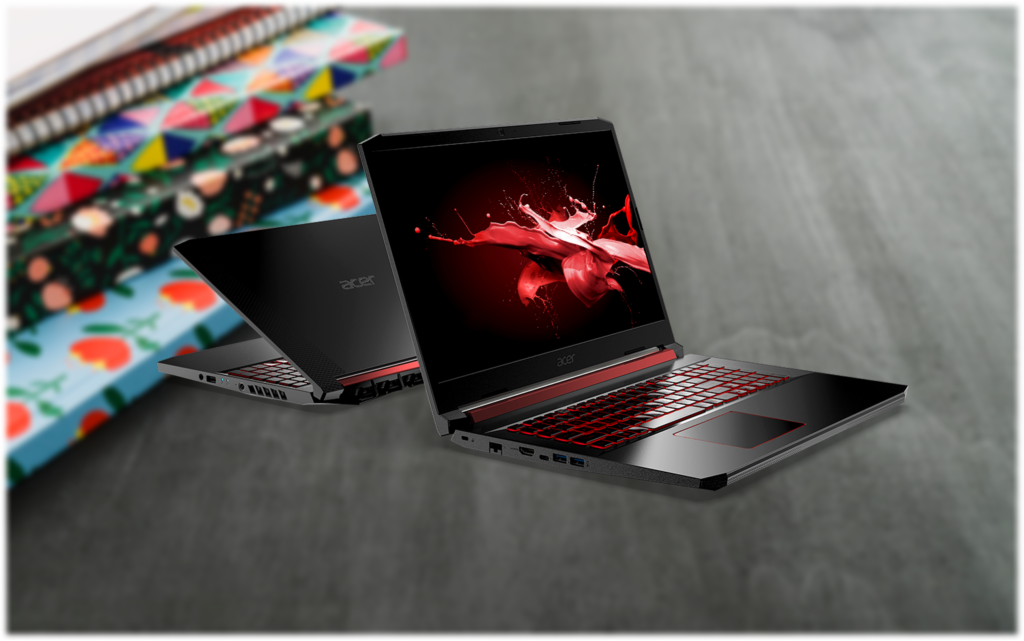
The Acer Nitro 5 is one of the most popular budget gaming laptops out there, and for good reason. It starts at around $800, with higher configurations going up to $1,000, packing an Intel Core i7 or AMD Ryzen 7 alongside an RTX 40-series GPU.
For architecture students, it handles AutoCAD and Revit well without any major issues. The RTX 4050 gets you through most day-to-day work, and if you can stretch the budget to an RTX 4060 model, you’ll have no performance concerns at all. The main downsides are the screen quality and battery life, but neither is a dealbreaker for a machine you’ll mostly use at a desk.
ASUS TUF A15
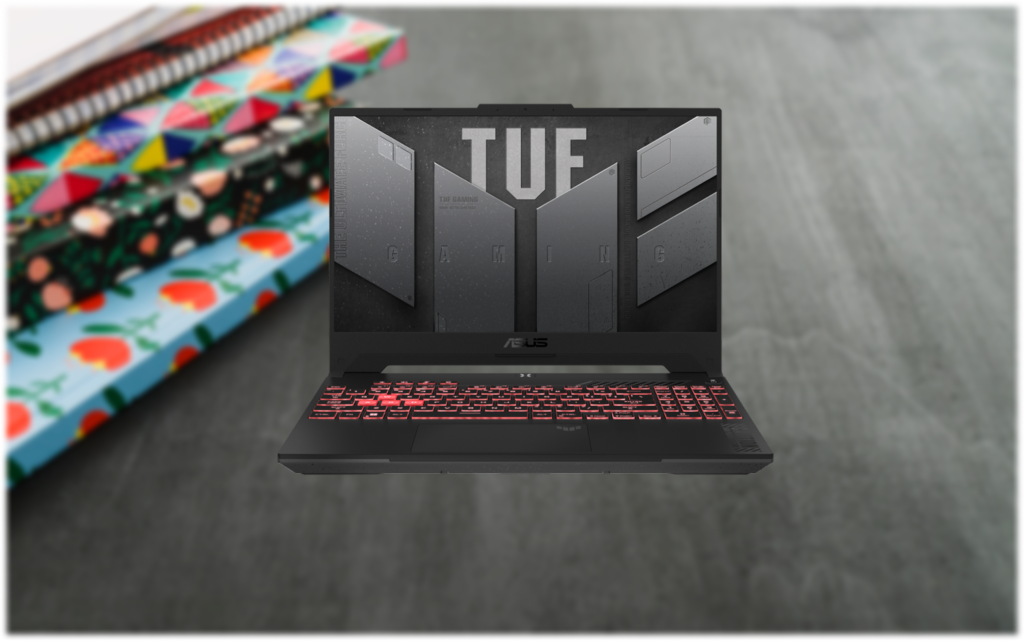
The ASUS TUF A15 is a well-built budget gaming laptop that starts at around $800. It runs an AMD Ryzen 7 processor with an NVIDIA RTX 3050 or higher, depending on the configuration, and it’s MIL-STD-810H rated, so it can handle being thrown in a bag every day without issues.
For architecture students, it runs AutoCAD and Revit well. The cooling system holds up during longer work sessions, which matters when you’re rendering or dealing with heavier models. If you can stretch to an RTX 4050 or 4060 configuration, you’ll have more headroom for larger projects, but the base model gets the job done for most student workloads.
MSI Cyborg 15
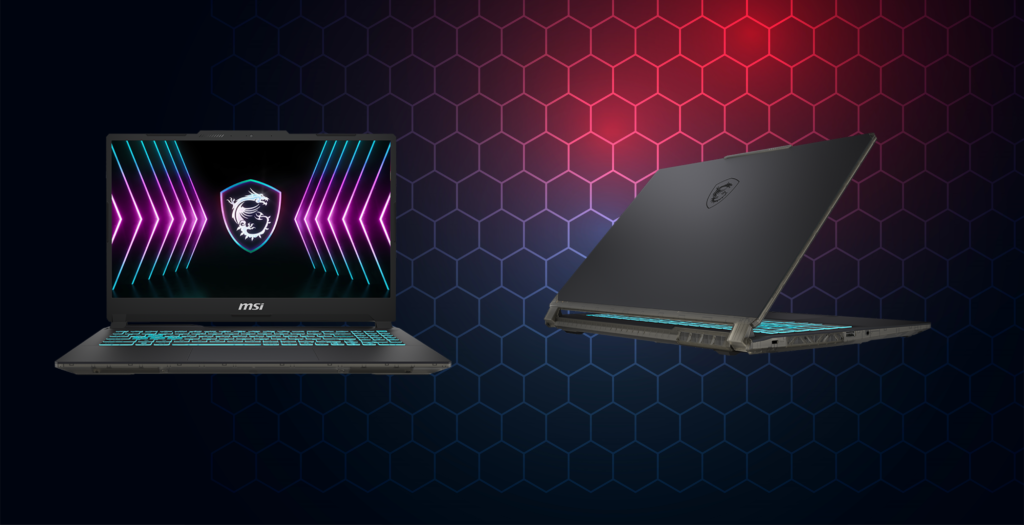
The MSI Cyborg 15 starts at around $900 and packs an Intel Core i7 with an RTX 4050 or higher, 16GB of DDR5 RAM, and a 144Hz display. It also comes with a 3-year warranty, which is a nice bonus at this price.
For architecture work, it handles AutoCAD and Revit well for most student workloads. Battery life is the weakest point, but if you’re mostly working at a desk it won’t be an issue.
HP Victus 16
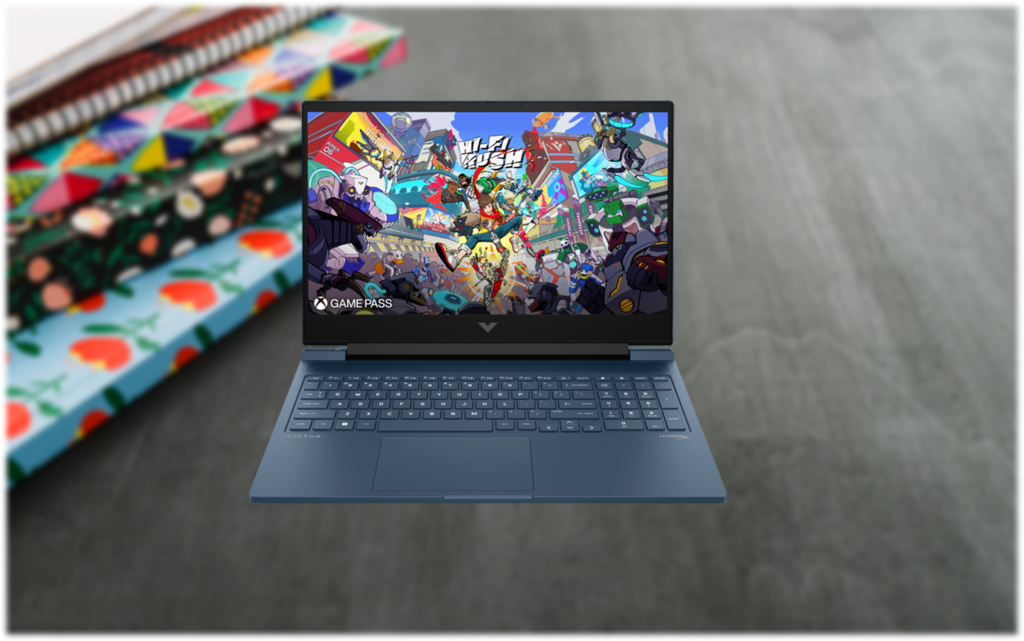
The HP Victus 16 starts at around $950 and comes with an AMD Ryzen 7 or Intel Core i7 paired with an RTX 4050, 4060, or 4070 depending on the configuration, 16GB of DDR5 RAM, and a 16-inch 144Hz display. It also has above-average battery life for a gaming laptop, getting around 7 hours of regular use.
For architecture students, it handles AutoCAD and Revit well, and the larger 16-inch screen is a genuine bonus when working on detailed drawings. The RTX 4060 configuration is the sweet spot for the price if you can find it on sale.
Dell Inspiron 14 2-in-1
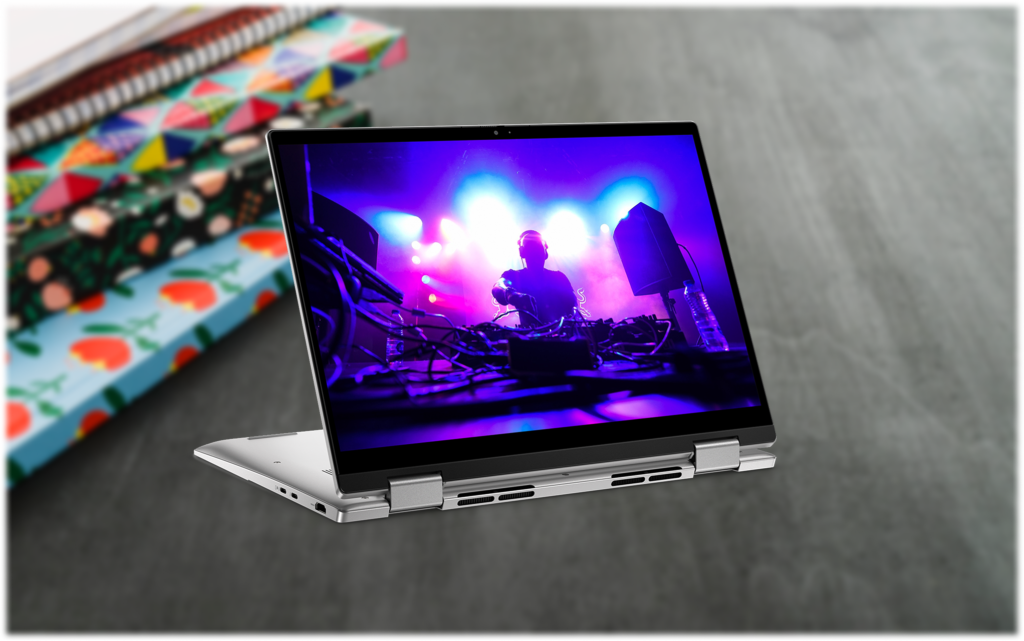
The Dell Inspiron 14 2-in-1 starts at around $730 and runs an AMD Ryzen 5 or Ryzen 7 with 16GB of DDR5 RAM. It’s lightweight, has a 360° hinge, touchscreen support, and solid battery life, making it the most portable option on this list.
Since it relies on integrated graphics, it handles 2D AutoCAD work and lighter tasks well, but will struggle with heavier 3D Revit models. It’s a good pick if portability is your priority and most of your heavy rendering can be done on a lab machine or desktop.
Final Words
Finding a budget laptop that can handle architecture software is not easy, especially with prices going up every year. The options on this list cover a range of budgets and needs — whether you want raw performance, a larger screen, or something more portable to carry around campus.
If you can only take one thing from this list, prioritize getting at least an RTX 4050 and 16GB of RAM. Those two things alone will save you a lot of frustration down the line when your projects start getting more demanding.