

Choosing a laptop can get overwhelming with the sheer number of options available on the market. Between different brands, specifications, and operating systems, the decision process often feels more complicated than it should be.
Windows has always held the bigger market share when it comes to laptops, dominating the industry for decades. However, Mac laptops have recently doubled their market share and become increasingly popular as a viable option for many users.
In this article, we’ll compare both systems with a specific focus on laptops, examining their strengths and weaknesses to help you make an informed decision.
Hardware: Build Quality, Upgradability, and Repairability
The larger market share that Windows holds is largely due to the number of different companies that make Windows laptops. Brands like Dell, HP, Lenovo, ASUS, and Microsoft all compete in the same space, which creates diversity in both options and builds.
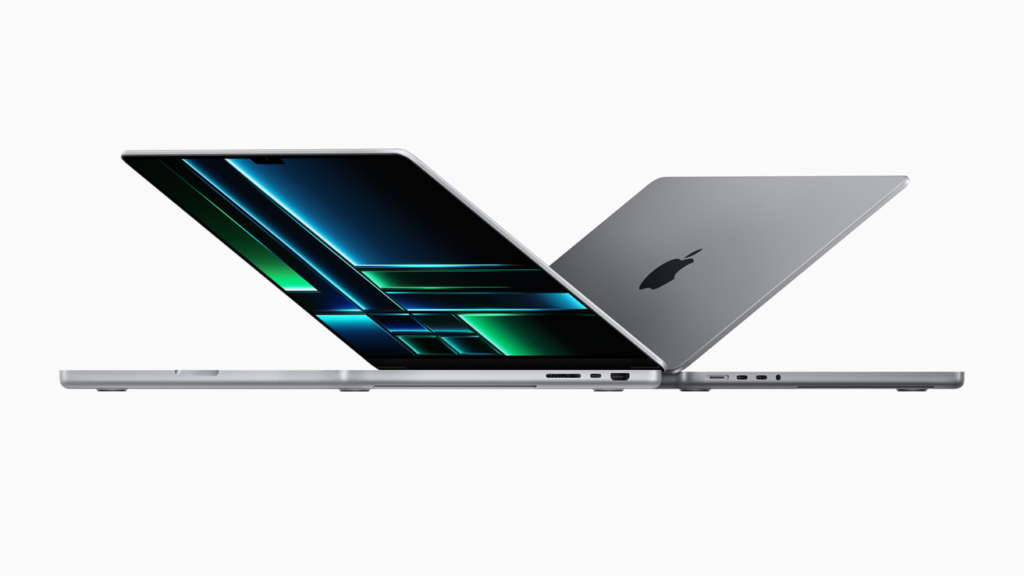
When it comes to build quality, Mac laptops are known for sturdy construction and high-quality hinges. MacBooks are made from high-grade aluminum unibody designs, providing excellent durability, with fewer moving parts and compact internals that resist wear and tear. Most Windows laptops use more plastic materials, especially in budget and mid-range models. Premium Windows models from Dell XPS, Lenovo ThinkPad, and Microsoft Surface offer high-end aluminum or carbon-fiber bodies.
While Mac laptops run into fewer problems overall, they are less upgradable and not built to be easily repairable. The design philosophy focuses on longevity rather than user serviceability. Windows laptops, on the other hand, allow easy access to RAM, storage, and batteries in many business-class and gaming models. This makes them easier to repair and upgrade over time.
Software: User Experience and Longevity
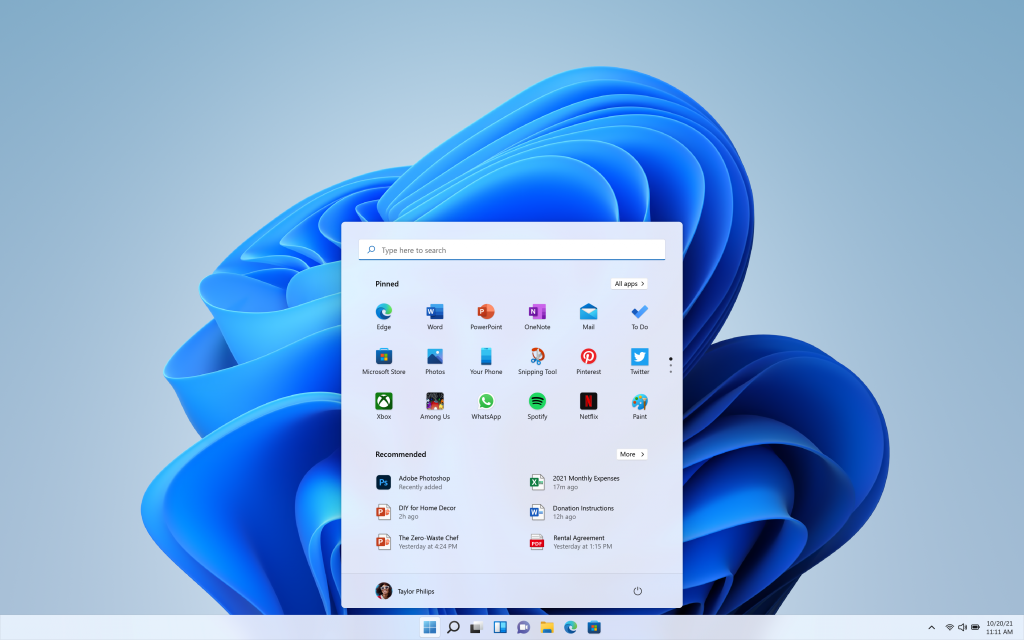
A big complaint users have with Windows, especially Windows 11, is how bloated it has become. Windows includes ads by default within the UI, appearing in the Start menu, settings, notifications, and File Explorer. While macOS has its own bloat, the notifications and ads aren’t as invasive or annoying as Windows.
When it comes to UI, both systems look pretty clean now, and it’s really up to personal taste.
File Explorer in Windows is easier to navigate and quicker than Finder on Mac. The file path is at the top in the address bar in Windows, easy to access at any time, and you can copy and paste file paths directly, which you can’t do in Finder without enabling hidden settings or using keyboard shortcuts.
Due to Windows being more popular, it has access to niche software for work or students that may not be available on Mac. This includes specialized programs for industries like legal, medical, engineering, and education that are Windows-only.
Performance: Work and Gaming
For creative work, both laptop types perform well but have different strengths. In Photoshop and After Effects, Apple’s M3 MacBook is the best option from a pure performance standpoint. However, in Premiere Pro, Windows laptops tend to outperform MacBooks, especially with GPU Effects and RAW processing due to NVIDIA‘s more powerful GPUs. For graphic design, both handle Adobe Creative Cloud well, with performance being comparable on similar specs.
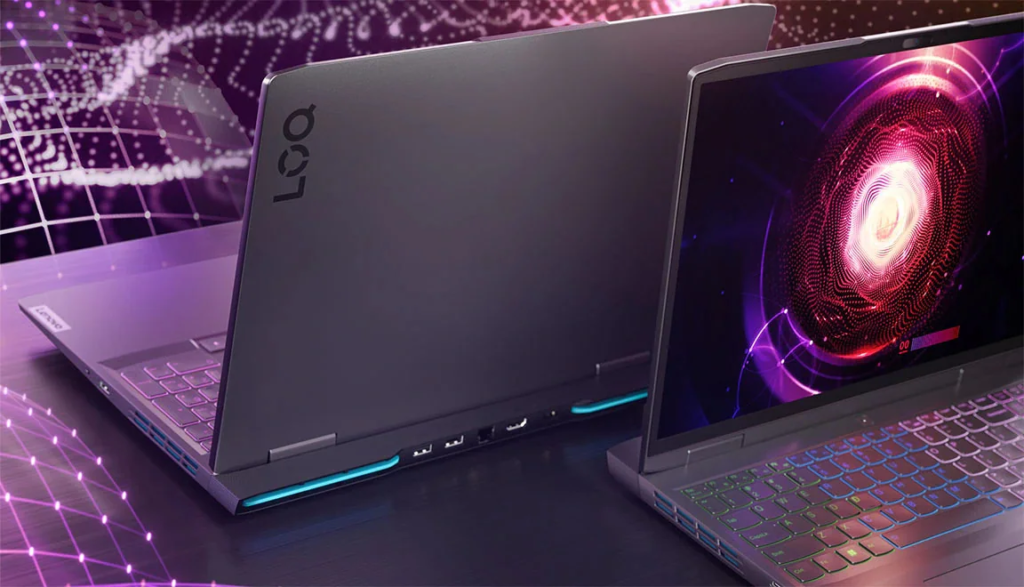
While MacBooks can run some games with decent performance, Windows laptops are a way better choice if you’re looking for a gaming machine. Windows laptops still dominate in 2025, with the majority of AAA titles landing on Windows first — and sometimes exclusively. Windows laptops have become the gold standard for gaming due to GPU technology like ray tracing and NVIDIA’s DLSS.
Final Words
Both Windows and Mac laptops have their strengths and weaknesses. Windows laptops offer more variety, better upgradability, and superior gaming performance, while Mac laptops provide better build quality, longer battery life, and a cleaner user experience.
The choice ultimately comes down to your specific needs. If you need gaming performance, hardware flexibility, or niche software, Windows is the better option. If you value build quality, battery life, and integration with other Apple devices, Mac is worth considering.
Before making a decision, consider what you’ll actually be using the laptop for and which ecosystem fits your workflow better.